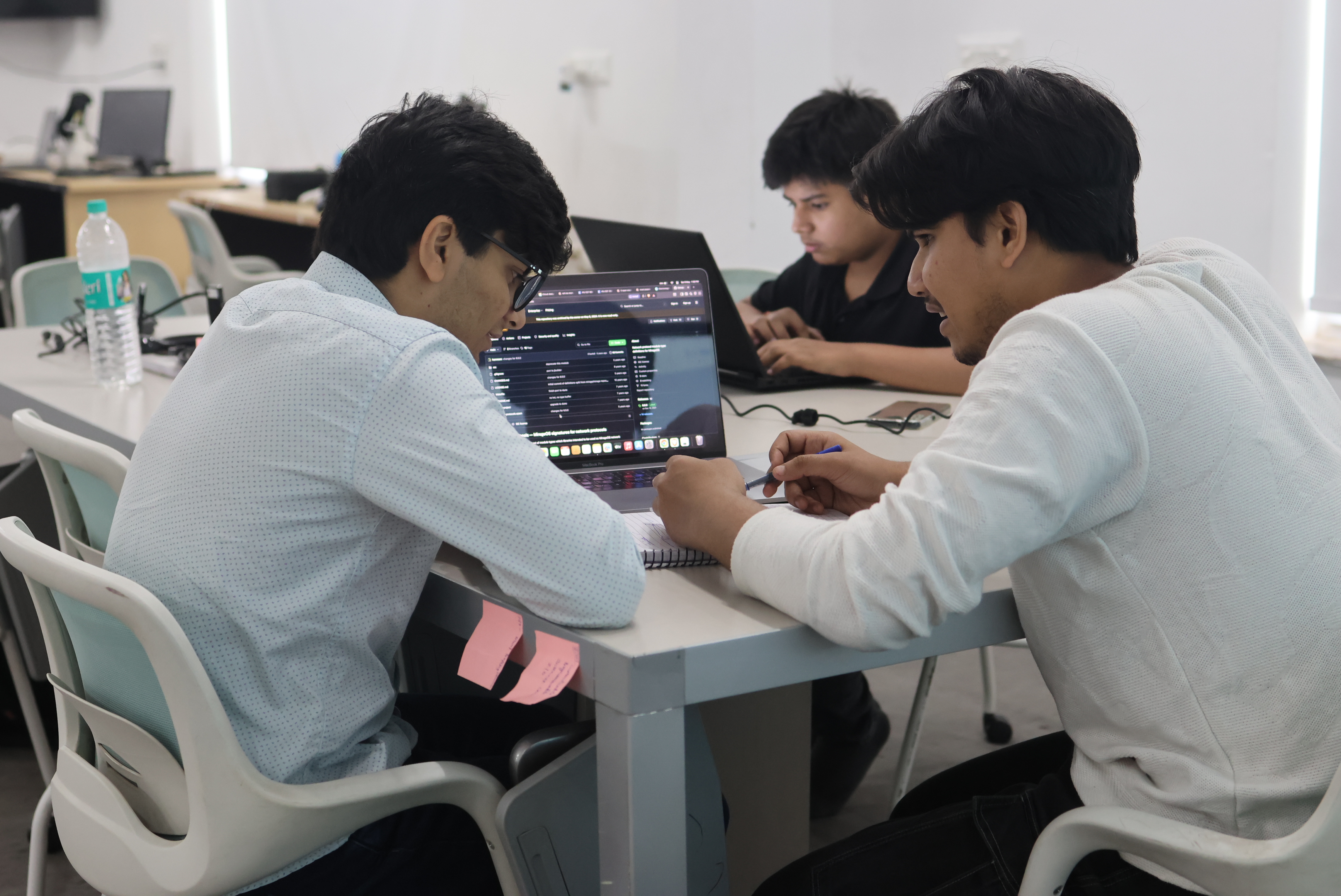
Your child uses five apps before breakfast. They navigate screens faster than most adults. And they have no idea how any of it actually works.
That gap between using technology and understanding it that is exactly what coding education addresses. Gurugram parents are increasingly aware of this shift. The children who will lead in the next decade are not just consuming technology. They are building it.
This guide covers what coding actually teaches, the right age to start, what a good program looks like, and what to avoid. No vague promises just practical information to help you make a good decision for your child.
What Does Coding Actually Teach?
Most parents think of coding as a career skill. That is true, but it is also the least interesting part.
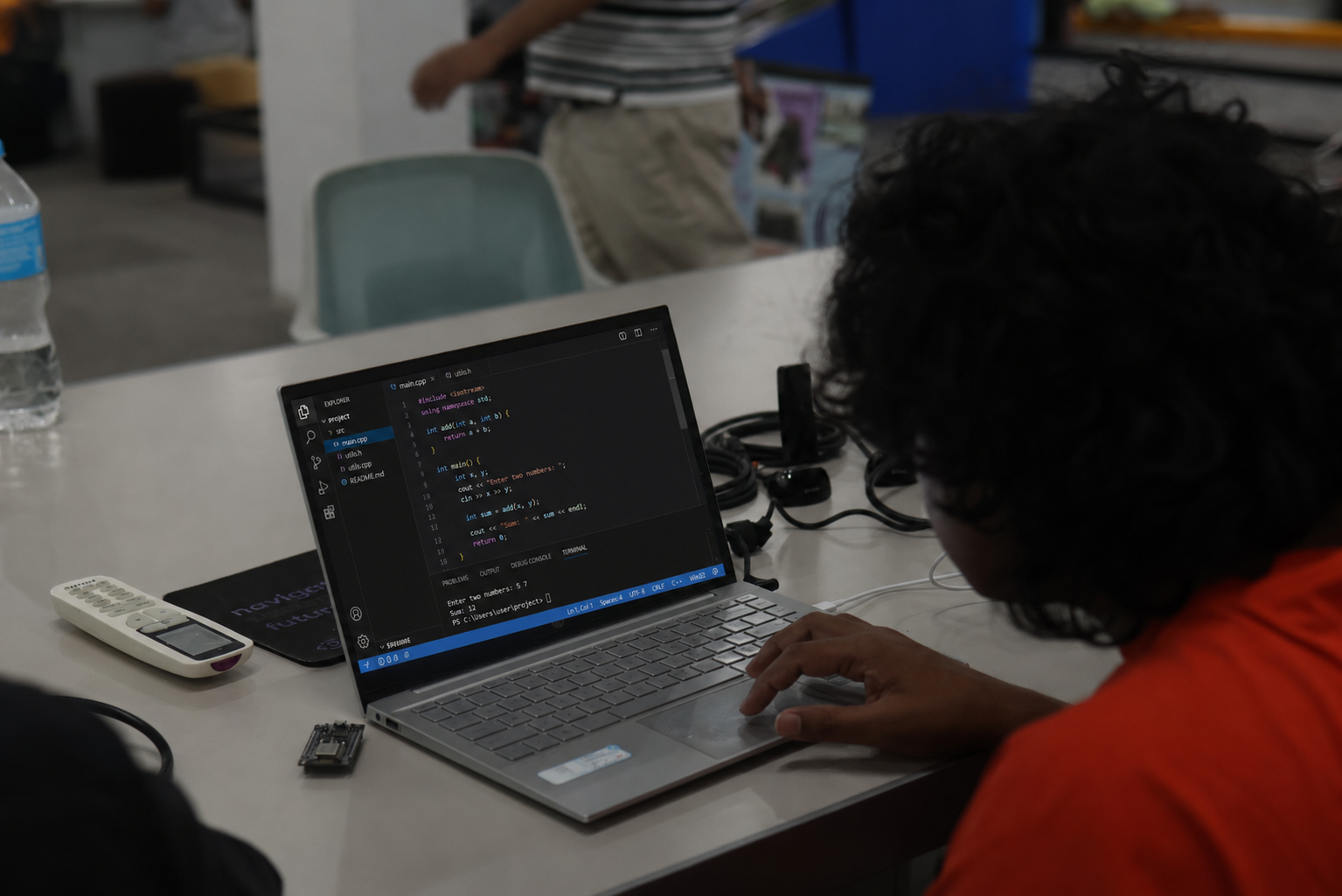
When a student learns to code, they learn to break a large problem into smaller steps. They learn that errors are information, not failures. They learn to think in systems if X happens, Y follows, which leads to Z.
This kind of thinking shows up in every subject. In math. In science projects. In essay planning. In everyday problem-solving.
A 9-year-old who has built a game in Scratch understands cause and effect at a level most adults do not consciously apply. A 14-year-old who has built a working website understands logic, structure, and design all at once.
These are not just coding skills. They are thinking skills. Coding is the medium through which they develop.
What Age Should Students Start Coding?
The short answer: from age 6, with the right program.
Age 6 to 9: Visual, block-based coding like Scratch. Students build logic without worrying about syntax. They make games, animations, and interactive stories. The focus is thinking, not typing.
Age 10 and above: Python. The most versatile beginner language. Used in AI, data science, automation, and most modern software. Reads almost like English, which makes it an ideal first text-based language.
Age 12 and above: HTML, CSS, JavaScript. The building blocks of every website on the internet. Students who learn these can build and deploy real websites.
Age 14 and above: Frameworks, app development, machine learning. For students ready to go deeper React, Flutter, or AI tools like TensorFlow.
The most common mistake is rushing students into Python before they are ready, or keeping them on Scratch after they have outgrown it. Progression should follow the student, not a fixed calendar.
What to Look for in a Coding Program in Gurugram
Not all coding classes are equal. Here is what actually matters when evaluating a program:
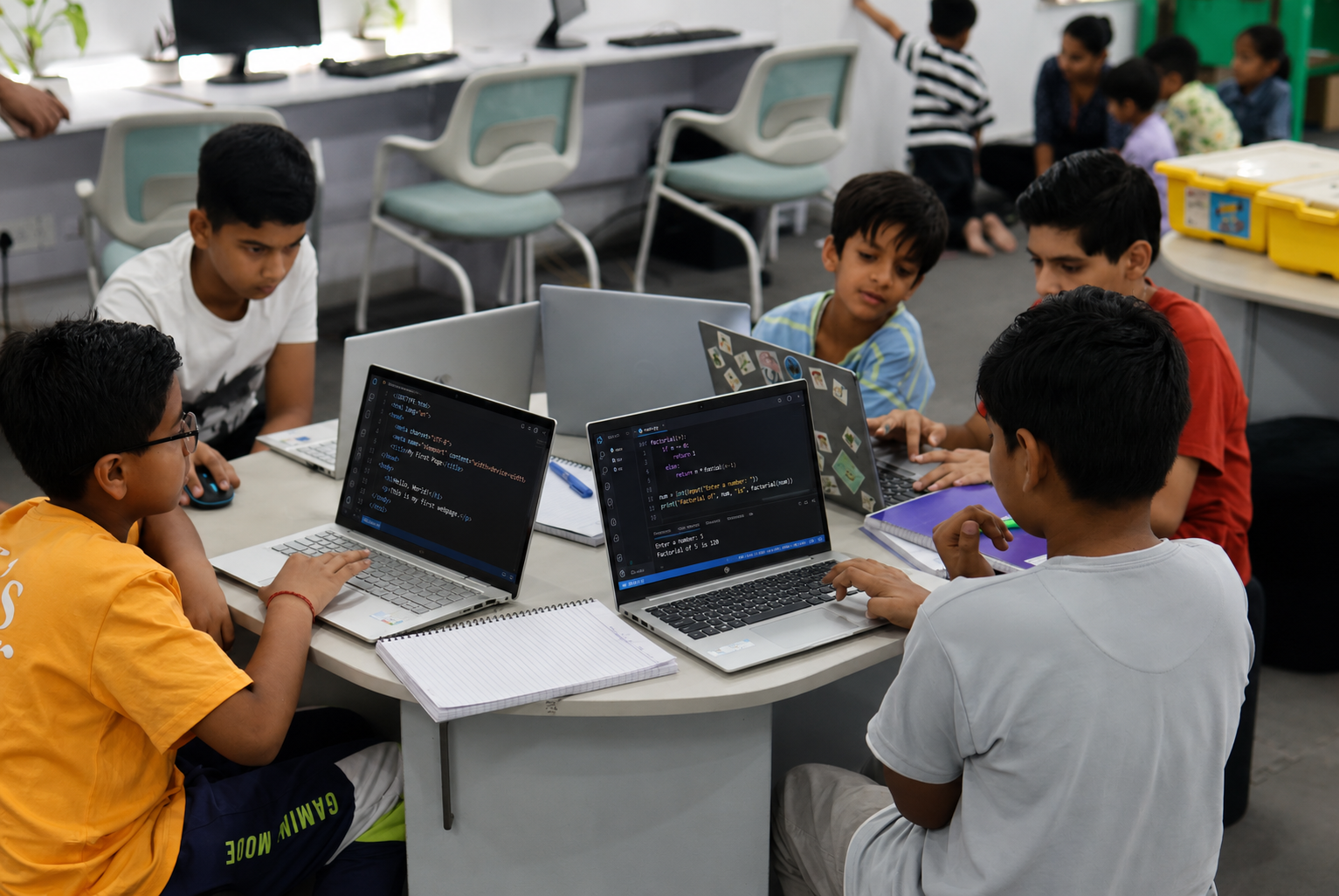
- Project-based learning: Following tutorials is not real learning. Students should build things themselves games, websites, apps. Ask to see student work, not instructor demos.
- Small batch sizes: Coding needs individual attention. A batch of 20 students gets very little of it. Look for programs where instructors can actually see and correct each student's work.
- Clear progression: There should be a visible path from beginner to advanced. If a program teaches the same content to a 7-year-old and a 13-year-old, that is a problem.
- Multiple languages over time: No professional works in one language only. A good program starts with Scratch or Python and expands from there.
- Real instructor feedback: Apps and videos cannot catch a logical error in your child's thinking. A human instructor can.
Why Gurugram Makes This Especially Important
Gurugram is not a typical city. It has one of the highest concentrations of technology companies, startups, and Fortune 500 offices in India.
The students growing up here will compete for college seats, internships, and jobs against peers who started building technical skills years earlier. The opportunities available specifically in Gurugram are disproportionately in technology-adjacent fields.
A student who understands coding even at a foundational level walks into any technical interview, hackathon, or competitive exam with a visible advantage. That advantage compounds over years.
The Right Order to Learn Coding Languages
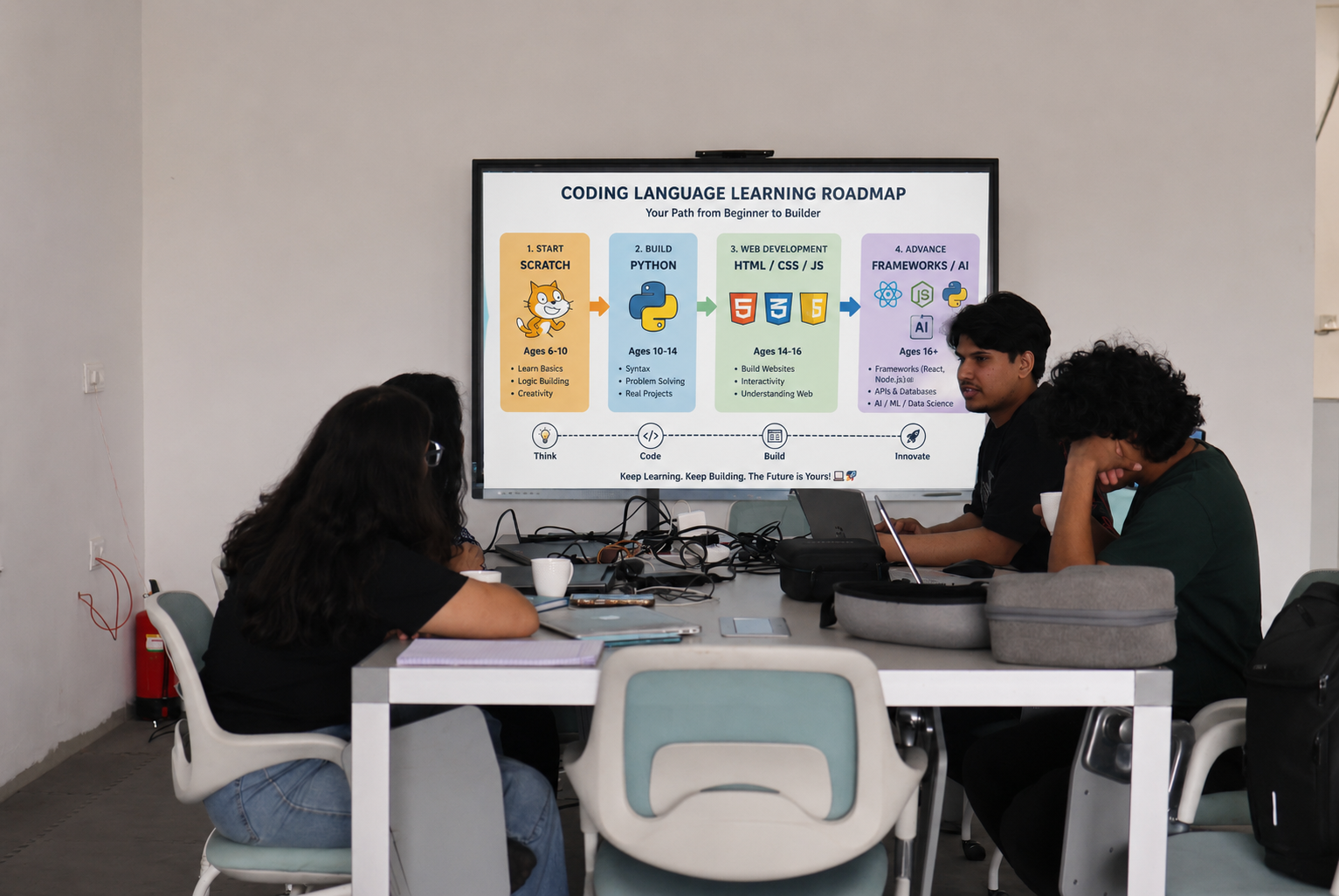
Here is a practical roadmap:
| Age Group | Language | What They Build |
|---|---|---|
| 6 to 10 | Scratch | Games, animations, interactive stories |
| 10 to 13 | Python | Logic programs, simple automation, data projects |
| 12 to 15 | HTML, CSS, JavaScript | Websites, landing pages, interactive pages |
| 14 and above | React, Flutter, AI tools | Web apps, mobile apps, machine learning models |
Students do not need to follow this rigidly. Some 11-year-olds are ready for web development. Some 14-year-olds benefit from more Python time before moving to frameworks. The table is a guide, not a rule.
Red Flags When Evaluating a Coding Program
Watch out for these:
- They cannot show you student work. Any serious program should have a portfolio of real projects students built not certificates, not screenshots of tutorials.
- The curriculum has not changed in years. The field moves fast. A program with no AI or app development content in 2025 is behind the curve.
- Overpromising on speed. "Your child will code in 3 sessions" is marketing. Real skill takes time. Programs that rush skip the hard parts.
- No free trial. A program confident in its teaching should offer at least one session before you commit financially.
Frequently Asked Questions
What MittyVerse Teaches at Its Gurugram Center
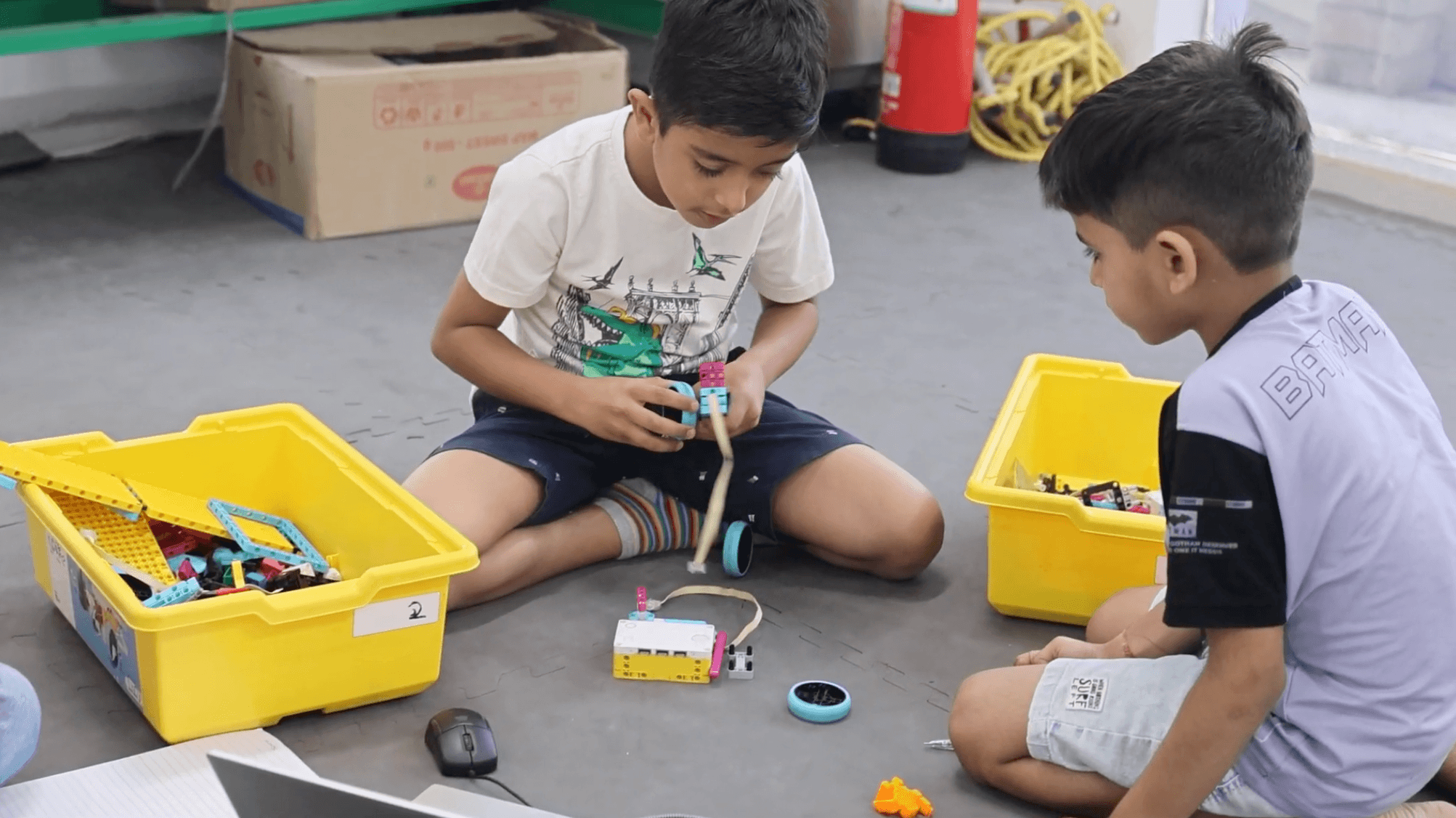
At MittyVerse Makerspace in Gurugram, coding is part of a broader technology curriculum not taught in isolation.
Students start with the right language for their age. Younger students build in Scratch. Older students move into Python, then web development, then app development and AI at a pace tied to how they are actually progressing, not a fixed syllabus schedule.
Every program is project-based. Students leave each level with something real they built. A game. A website. An app. A machine learning model. Not a certificate.
Programs offered:
- Scratch and block-based coding (Ages 6 to 10)
- Python programming (Ages 10 and above)
- Web development HTML, CSS, JavaScript, React (Ages 12 and above)
- App development Flutter, Android Studio (Ages 14 and above)
- AI and Machine Learning (Ages 12 and above, with Python foundation)
Classes are available online and offline. Batch sizes are kept small. Both individual and group formats are available.